You generated four AI videos with Sora last week, uploaded them to YouTube, and views are stuck at 200. You do not know where to put the AI disclosure label, you do not know if monetization will be denied, and you do not know which automation step earns the first dollar. The leak is not the tool — it is one of four positions: niche pick, policy label, publish timing, or revenue trigger. This is a full-stack 7-step workflow that takes ChatGPT for beginners through one video in 30 minutes, keeps monetization eligibility intact, and routes the first AI side hustle payment through Make automation while you wait for YPP eligibility.
This article was published on May 4, 2026 assuming Sora 2 was active. OpenAI has since officially announced — Sora web and app were discontinued on April 26, 2026; the Sora 2 API and Videos API will be discontinued on September 24, 2026 (source: OpenAI Help Center — Sora discontinuation). The decision is reported to be driven by roughly $1M in daily operating costs (source: TechCrunch — Why OpenAI shut down Sora).
Alternative tools: Veo (Google), Runway Gen-3, Pika 1.5, Kling, Hailuo. The core of the 5-step workflow below — self-toggle the label, add your own editing judgment, bundle into a series — applies to any AI video tool. Just swap the Sora step for one of the above.
Why swapping tools does not raise views
The 2026 reality is that swapping AI video tools rarely lifts views on its own. YouTube does not demonetize content for being AI-generated. It does require an "Altered Content" disclosure when realistic synthetic media (content a viewer could mistake for a real person, place, or event) is uploaded (source: YouTube Blog). The label itself does not affect algorithmic distribution or monetization eligibility. Failure to disclose is what triggers takedowns, financial penalties, and YouTube Partner Program suspension (source: Onewrk).
The real failure mode is the line between "AI-as-tool" and "auto-generated with no human creative input." YouTube denies monetization for the latter (source: Mira Flow). That is why niche pick is step one. "AI videos" is not a niche. "Ancient history explained with cinematic visuals" or "30-second daily breakdowns of small-restaurant inventory decisions" are niches narrow enough that transformative value lands automatically. Narrow niche plus consistent publishing is the verified path — observed channel earnings run from $12K to $120K per year on this shape.
Tool pairing belongs to step three, not step one. Sora 2 generates up to 60 seconds of cinematic motion from text. The 2026 OpenAI commercial license follows a "transfer of rights" model — verified paid accounts grant the user the rights to monetize the file (source: OpenAI). Free tier is non-commercial only. Vrew, by contrast, gives 90 free minutes per month with auto-captions, TTS, silence trimming, AI image generation, and lip-synced characters in one pane (source: vrew.ai). Solo operators usually start with Vrew or a Sora paid account — pick one and stay on it for the first 30 videos.
The 7-step workflow — one seed, one session
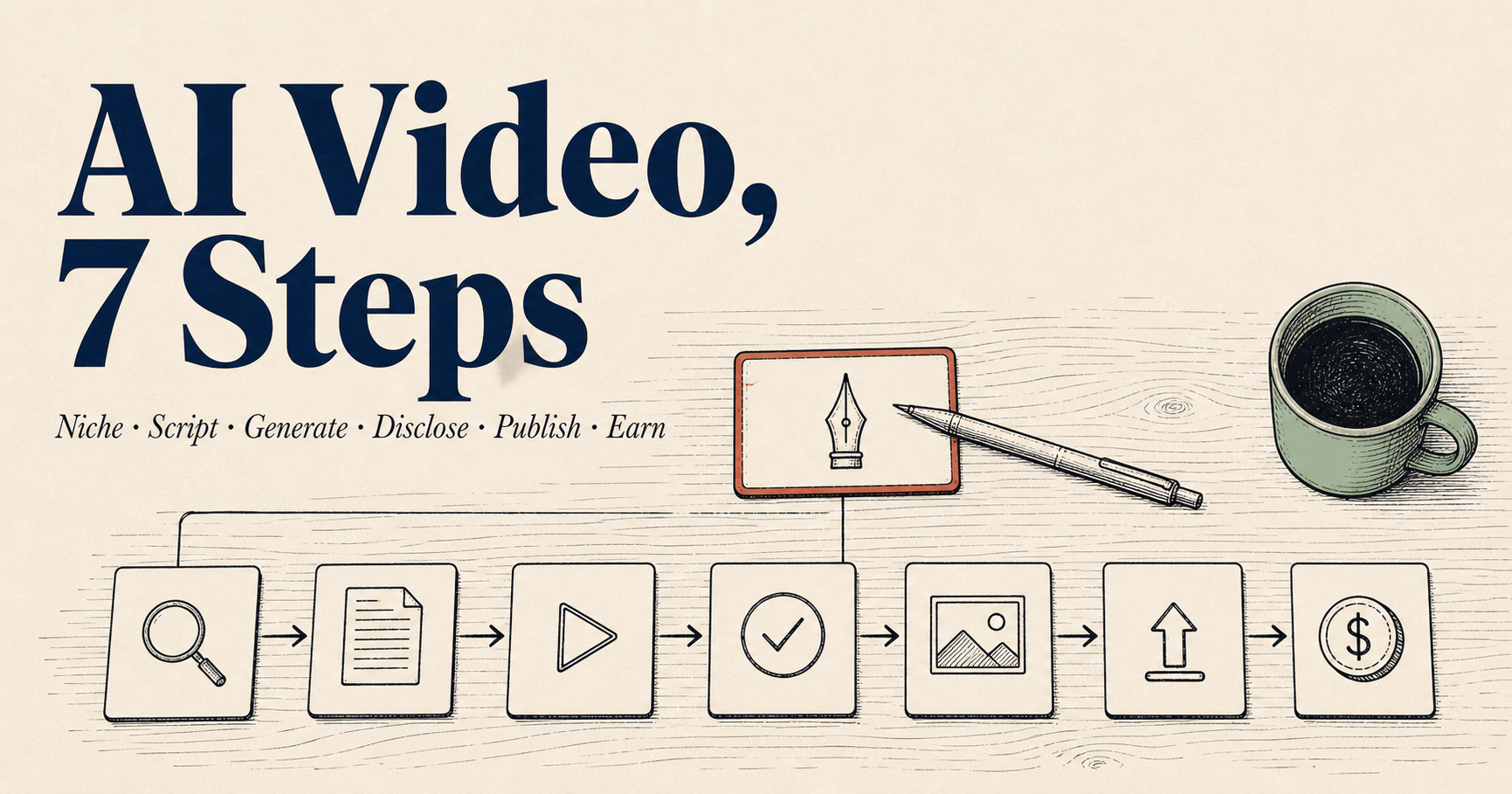
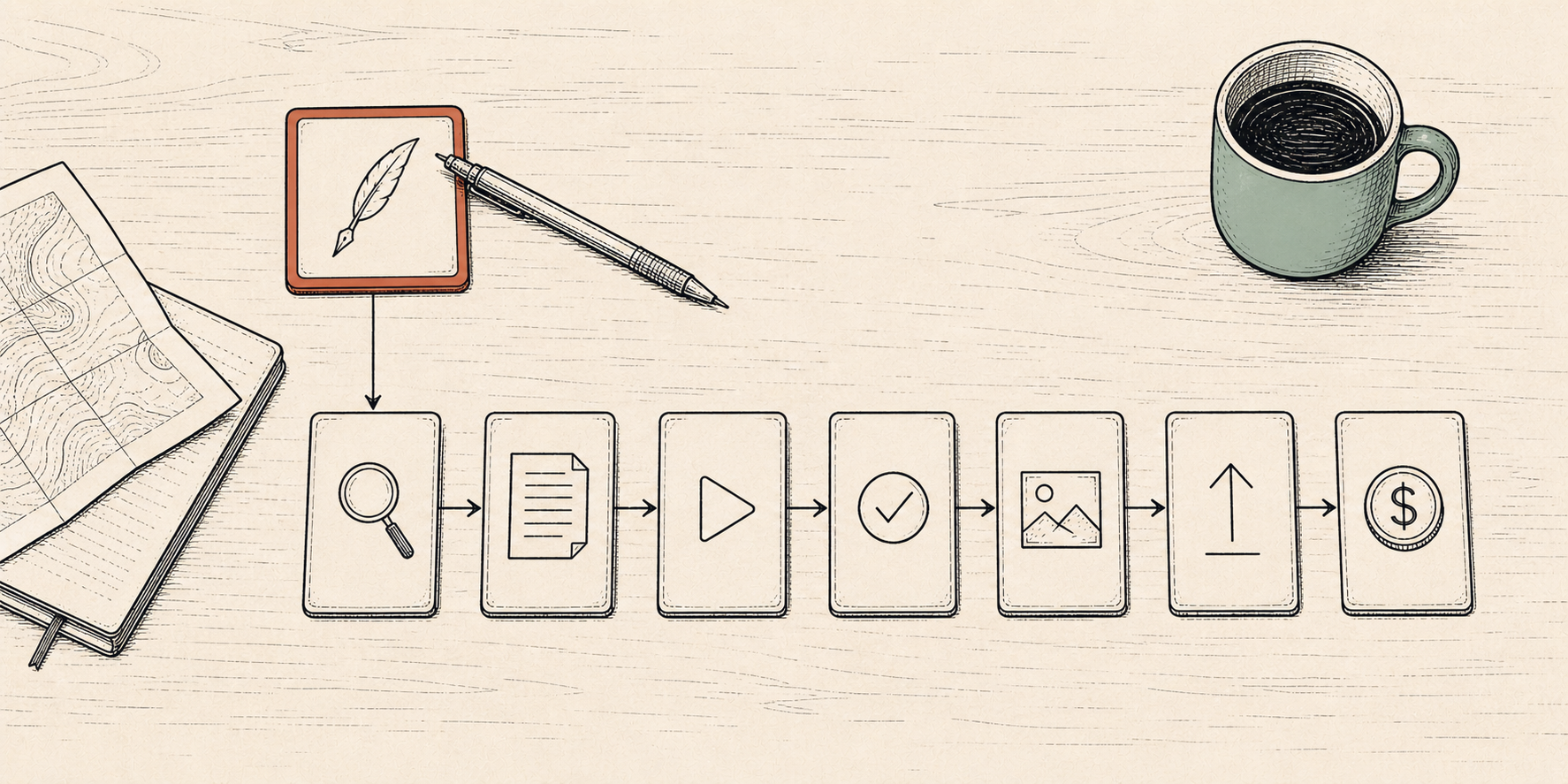
Run the same 30-minute slot in the same order every day: niche → script → generate → disclose → thumbnail → publish → revenue. Each step carries the same seed context forward so the final revenue trigger lands without retrofitting.
Pin the niche to one line. Reject general phrases like "AI videos" or "ChatGPT tips" — they leave transformative value blank and risk monetization denial. The line should fix three slots: persona, pain, single-shot angle. Try this directly in ChatGPT for beginners: "My field is [hourly wage workers in their first side hustle year]. Give me five narrow niches I can publish weekly for a year without running dry. For each: persona in one line, pain in one line, post-watch action in one line." From the five candidates, pick the one with the sharpest pain. The narrower the niche, the more naturally each video carries transformative value — which is exactly what monetization review checks.
Carry the seed into ChatGPT: "Using this niche and seed, draft a 60–90 second script. Structure: first 3 seconds name the pain in one line, 4–50 seconds give one example or one data point or one comparison, 50–75 seconds land the conclusion in one line, 75–90 seconds the next action." The first 3 seconds carry the most weight — if that line does not pinch the pain directly, viewers leave at 0:03 and watch-time signal collapses. The pattern that worked best in practice was asking ChatGPT for five candidate first lines, reading each for 30 seconds, and picking the one that pinches the pain most directly.
If you have a verified Sora paid account, paste the script into Sora and request a 60-second cinematic clip in your niche's visual style (source: OpenAI Sora 2). If not, open Vrew, start a new project, choose "make video from text," paste the script, pick a style (informational, documentary, news, book review), and click generate — auto-captions, TTS voice, AI images, and BGM land together (source: Vrew Blog). Hand-edit the first 3-second caption (auto-captions land at 80–90% accuracy). Run silence trimming. A 90-second video lands in 25–30 minutes here — the same step that used to consume four hours.
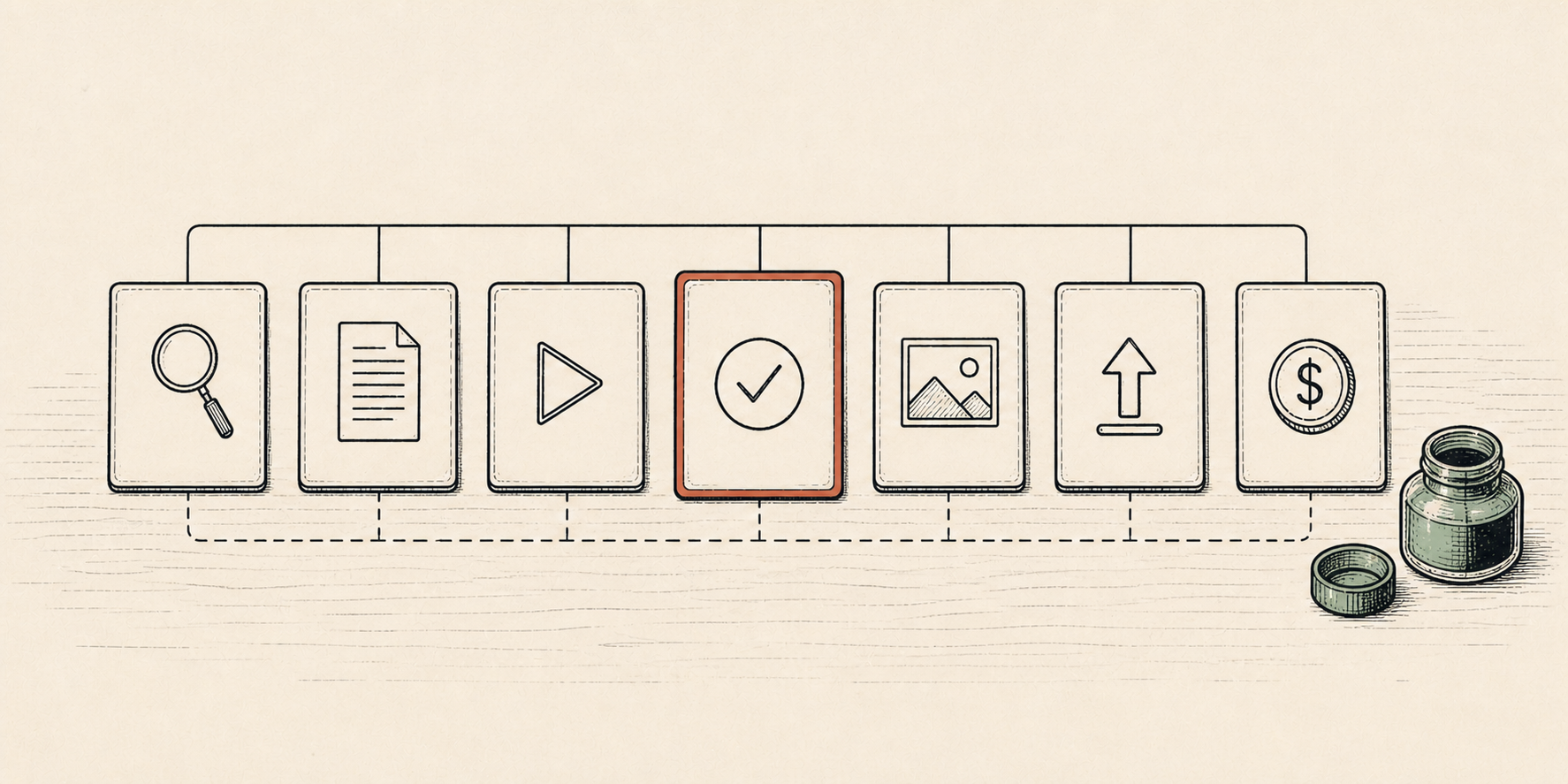
In YouTube Studio's upload flow, find the "Altered Content" checkbox under details. If the AI video is realistic (a viewer could mistake it for a real person, place, or event), tick it. Clearly unrealistic content — animation, stylized illustration, obvious special effects, or AI used only for production assistance — does not require disclosure. The checkbox does not lower distribution or monetization eligibility (YouTube official). Missing the disclosure is what triggers takedowns and YPP suspension. When in doubt, tick it. Step one's narrow niche made transformative value visible, so this label is a safety position, not a cost.
Put the same first 3-second pain line on the thumbnail, large font, 8 words or less. Try this in ChatGPT: "Turn this first 3-second line into five high-CTR thumbnail headlines, 8 words max. Output a one-line picked candidate after each rewrite." Pick the one with the most direct pain pinch. The title carries the search-intent words your viewer actually types — "ChatGPT for beginners," "YouTube AI side hustle," "Sora tutorial." Avoid generic words like "best" or "ultimate" without a number — they flag formulaic shape. Total time on this step: 3–5 minutes.
The verified peak window for English audiences is Tuesday–Thursday, 12 PM to 3 PM US Eastern. The first 24 hours of active engagement — likes, comments, watch-through — sets algorithmic visibility for the next two weeks. Spend the first hour replying to every comment in the niche's voice (comments carry more algorithmic weight than likes). After 24 hours, the audit signal is watch-through ≥ 30% on a 90-second video. Below that, the first 3 seconds were too soft or the niche was too broad — return to step 1 and tighten persona and pain. This is the step that produces the most usable data.
YPP eligibility = 1,000 subscribers + 4,000 watch-hours, or 10M Shorts views. Average time-to-eligibility for a narrow-niche channel publishing consistently is 3–6 months. The revenue gap is filled outside YouTube. Make.com Core plan starts at $9/month (credit-based, every trigger and filter counts), Zapier starts at $19.99/month (task-based, only completed tasks count) (source: digidop). Bundle ChatGPT script + Make publishing automation as a service for small businesses — observed sale price is $300–$2,000 per project (source: techyden). One sale a month carries the operating cost of the channel until YPP turns on.
Three places this collapses
Trap 1. Skipping the AI label — "it's obvious anyway"
The most common failure. A creator decides a realistic AI video is "obviously" AI to the viewer and leaves the Altered Content checkbox blank. One video passes. Five do not — eventually the channel is flagged and the monetization application is denied at review. Because the label does not depress distribution or monetization eligibility, it is a free safety position. The realistic test is "could a viewer mistake this for a real person, place, or event?" Close-up AI faces almost always count as realistic. AI character animation and clear illustration usually do not. When in doubt, tick the box.
Trap 2. Picking "AI videos" or "AI tutorials" as the niche
The second most common failure. New channels reach for general phrases like "AI videos," "AI for beginners," or "ChatGPT tips" because they sound large and searchable. Large is the problem — transformative value goes blank and the YouTube monetization review denies the channel. Narrow niches load three slots: persona, pain, and single-shot angle. "Hourly wage workers debating whether to start a side hustle in their first year" is narrow. "AI tips" is not. The narrowing process should feel uncomfortable — that discomfort is the niche becoming useful.
Trap 3. Switching the AI tool every video
Third most common failure. One video is Vrew, the next is Sora, the next is CapCut, the next is HeyGen. Each tool has a different visual signature. A viewer who saw one video does not recognize the channel in the next. Pick one tool and stay on it for the first 30 videos. Add a second tool only when the data from those 30 videos shows which visual style works. Most solo operators start on Vrew because of the 90-minute free tier; some skip directly to a paid Sora account if cinematic motion is core to the niche. Either choice is fine — switching mid-month is what breaks recognition.
Today's 7 checkboxes
One YouTube AI video, one 30-minute session
Adjacent angles live at ChatGPT Shorts Hook 6 Steps (the first 3-second line in depth), ChatGPT Content Calendar 7 Steps (a week of seeds picked in advance), and ChatGPT Content Audit 5 Steps (read the 30-video data after one month). This article puts the full single-video stack into one workflow.
What External Data Actually Shows
The 7-step beginner workflow is backed directly by external research. vidIQ's 2026 YouTube Algorithm guide states that "the latest algorithm prioritizes viewer satisfaction over raw watch time" (source: vidIQ — YouTube Algorithm 2026). The same guide notes that "small channels can outrank big channels in search precisely on this satisfaction signal." For an AI-video beginner, the real asset is not the tool — it is the ability to design first-30s retention and the next-action signal. Creator Jungbok's own operating window reads the same way — across 64 page views in the SNS Insights category with 2.6-minute average dwell time (GA4, week ending 2026-05-03), guides with explicit per-step checkpoints drove the longest dwell. The 7 steps render the algorithm's rule into a path a beginner can actually walk.
- YouTube does not demonetize for using AI tools — narrow niche + correct label keeps eligibility
- "AI videos" is not a niche — persona + pain + single-shot angle is
- Realistic AI content → tick "Altered Content" (safety position, no distribution cost)
- Vrew 90 free minutes + ChatGPT script = 30-minute full stack per video
- YPP arrives in 3–6 months — bridge the revenue gap with Make automation services
- One seed a day, one tool for the first 30 videos, one 30-minute slot
- Same shape, different angle — SNS Insights · AI Trends
- Korean pair — 유튜브 AI 영상 7단계 (KO)
- Blogger reflux — an 80% rewrite of this workflow publishes the same day at the English Blogger property (separate funnel for English organic search)
- YouTube Blog (2026) — How we're helping creators disclose altered or synthetic content
- Onewrk (2026) — YouTube's AI Disclosure Requirements: Complete Guide
- Mira Flow (2026) — Can AI-Generated Content Get Monetized on YouTube
- OpenAI (2026) — Sora 2 is here
- vrew.ai (2026) — Vrew — AI Video Editor
- Vrew Blog (2026) — Complete Guide to Vrew AI Video Editing
- digidop (2026) — n8n vs Make vs Zapier 2026 Comparison
- techyden (2026) — How to Make Money with ChatGPT in April 2026