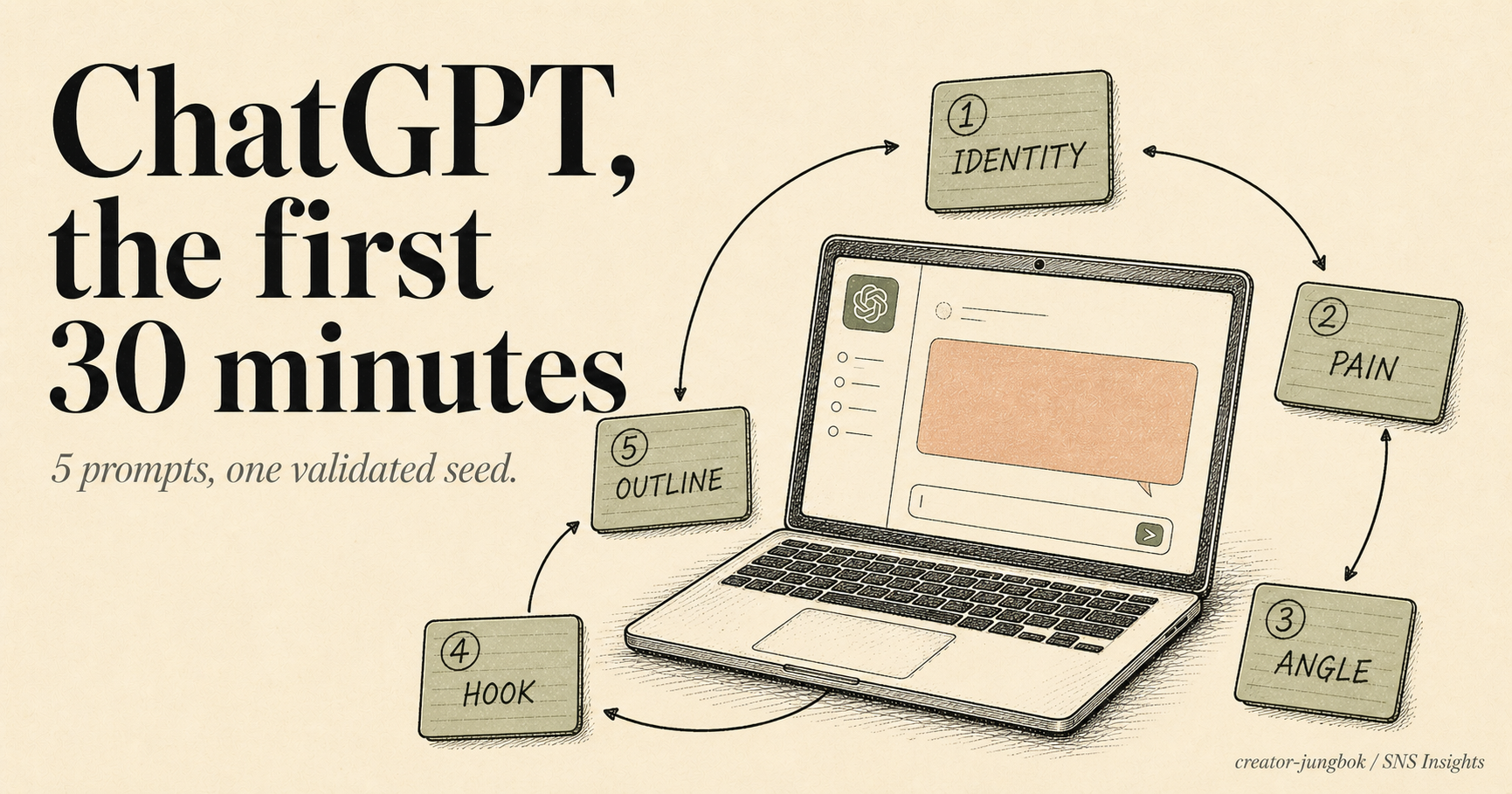
You signed up for ChatGPT, the chat window opened, and 30 minutes later you are still staring at a blank prompt with nothing to ask. Or you typed something, got a generic answer, closed the tab, and went back to googling. The leak is not "you don't know how to write good prompts" — it is the order of your first five prompts. This is a 30-minute workflow that takes ChatGPT for beginners from blank screen to a validated content seed (identity → pain → angle → hook → outline) ready to ship a YouTube video the next day. Free plan only — paid tools come after the seed is validated, not before.

Why your first answer is always generic
The first answer feels generic because of your first prompt, not the model. OpenAI's official guide defines a prompt as "the question or instruction you type or share with ChatGPT to start a conversation," and recommends that good prompts include three positions: what you want, the format, and the reason (source: OpenAI Academy). A two-word prompt like "dog facts" forces the model to guess your audience, length, and tone — so it gives you the average. Rewrite the same query as "List 5 fun facts about golden retrievers a first-time owner can read in 30 seconds, with sources" and the result changes completely (source: Cybernews).
Content creation goes one step further. Even a well-written first prompt fails if it does not feed the next prompt — 30 minutes later you have five scattered answers and no seed. Coursera's 2026 guide recommends "describe your project, its purpose, your audience, and the outputs you need in one or two sentences" (source: Coursera). We extend that into a 5-prompt chain so one seed context flows from prompt 1 (identity) to prompt 5 (outline) — that's how the final outline ties back to the first identity line.
Mira Flow's 2026 analysis frames the highest-leverage ChatGPT use case as "save 6–10 weekly hours + content consistency + idea-pipeline that does not dry up" (source: Mira Flow). The 30-minute, 5-prompt workflow lands exactly there. Tools like Sora, Make, GPT-5, and Substack AI sit one position downstream — you don't need to pay for any of them until the seed is validated. Observed pattern from beginner cohorts: people who pay for tools before validating a seed cancel within the first month at the highest rate.
The 30-minute, 5-prompt workflow — one seed, one session
Run the same five prompts in the same order, in the same 30-minute slot. Identity → pain → angle → hook → outline. All five prompts must live in one ChatGPT conversation so the seed context survives end to end. The free plan gives you 10 messages per 5-hour window on GPT-5.2 Instant before falling back to Mini (source: OpenAI) — five prompts fit comfortably inside that limit.
The first prompt locks two positions: persona (who is speaking) and audience (who is listening). Paste this directly into a fresh ChatGPT conversation:
PROMPT 1 — IDENTITYPick option 1 or 2 — narrow always wins in month 1. If the answer feels generic, follow up with: "Go narrower. Pin the persona to a specific job, year of experience, and one weekly friction." The second answer is usually sharper.
Prompt 2 turns the audience into 10 concrete pain points. The more specific the pain, the more angles you'll have later.
PROMPT 2 — 10 PAINSHighlight the 1–3 pains you have personally lived. Pains you have lived carry more weight in the hook line — observed pattern. If you don't have firsthand pains, substitute the closest friend or coworker.
Take one highlighted pain and ask for 5 angles. The same pain can be tackled from at least 5 directions.
PROMPT 3 — 5 ANGLESPitfalls and workflow angles map cleanest to search intent (How to / Why / Best). The first piece you ship should almost always be the workflow angle — it's the angle the audience can actually follow to a result.
Prompt 4 generates five first-3-second hooks. The first 3 seconds carry the most weight — YouTube Shorts, Instagram Reels, and TikTok all use first-3-second completion as the core distribution signal.
PROMPT 4 — 5 HOOKSRead the 5 hooks out loud to a friend or family member. If the response is "so what?", the pain position is empty. Pick the 1–2 that get the most immediate reaction.
The final prompt produces the structure for one piece of content. A 90-second video script lands at roughly 220–260 words; a 1,500-word article at 3 H2s + 6 H3s.
PROMPT 5 — OUTLINETake this outline straight into yesterday's 7-step AI YouTube workflow at step 2 (video generation) — the same seed flows through both posts.
After prompt 5, close ChatGPT and read the picked hook out loud to a friend, partner, or family member. If they react within 5 seconds — "wait, what?" — the hook is doing its job. If they're still blank at 5 seconds, your pain is too abstract or the hook is generic. Go back to prompt 4. Catching it here saves the biggest cost — the cost of shipping an empty hook.
Take the validated outline into the next 30-minute slot and produce one video. Free Vrew gives 90 minutes per month — enough for the first month (source: vrew.ai). After publish, the 24-hour completion-rate baseline is 30%. Below 30% means either the hook or the angle position is empty. YouTube Partner Program eligibility is 1,000 subscribers + 4,000 valid watch hours (or 10M Shorts views) — the first 30–50 uploads are the seed-validation window (source: Mira Flow). The 5-prompt workflow exists to get the seed right inside that window.
Three places where this most often breaks
Pitfall 1. Asking for "topics" before locking identity
The most common mistake. Beginners open ChatGPT and immediately type "give me content ideas" or "what should I post about" — but with no identity, no audience, and no pain in the context, the model returns the average: "AI tips," "How to start YouTube." Skipping prompt 1 means even prompt 5 produces a generic outline that misses every search-intent signal. Prompt 1 is identity, always. Then pain, angle, hook, outline. Reorder the chain and the seed collapses.
Pitfall 2. Falling into the "give me a better answer" loop
The second most common mistake. When the answer feels generic, beginners type "rewrite that better" and get back a near-identical response. Better move: ask the model to diagnose itself. Prompt: "Tell me in one sentence why your previous answer is the average response, then give me a sharper answer that breaks out of that average." The diagnostic forces the next answer to land in a different region of the prompt space — observed pattern, the second response is meaningfully better in most cases.
Pitfall 3. Paying for tools before the seed validates
The third most common mistake. ChatGPT Plus, Sora verified plan, Substack AI paid tier, Make Pro automation — beginners pay for all four before they have a seed, then cancel within a month at the highest rate. Tool spend is a downstream position, not an upstream one. Month 1: ChatGPT free + Vrew free 90 minutes. After 30–50 uploads of seed-validation, you'll know which tool actually moves results — that's the moment to pay (observed pattern from internal site audit data).
7-item checklist — do this today
ChatGPT first 30 minutes — 5-prompt session
Adjacent positions in the same workflow: YouTube AI Video for Beginners — 7 steps (the position right after the outline), ChatGPT Shorts Hook — 6 steps (deeper on the first 3 seconds only), and ChatGPT Content Calendar — 7 steps (week-ahead seed planning). This piece covers the very first 30 minutes — blank screen to validated seed.
- Generic first answers are a prompt-order problem, not a model problem
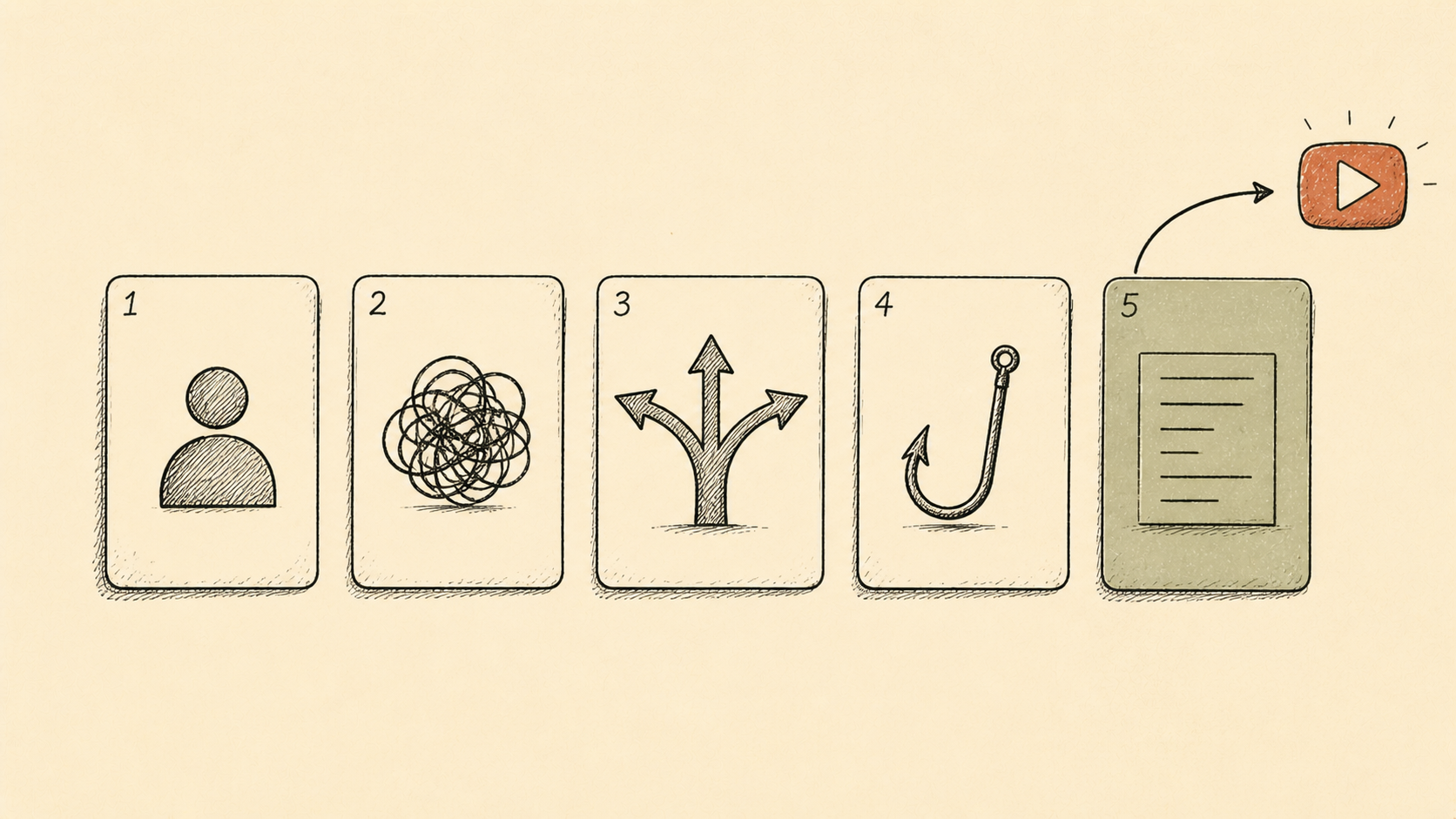
- The 5-prompt order is fixed: Identity → Pain → Angle → Hook → Outline
- One conversation, one seed, one 30-minute slot — context breakage kills the chain
- For generic answers, ask the model to diagnose why it returned the average
- Pay for tools after 30–50 seed-validation uploads, not before
- The next position is shipping one YouTube video — that's where the seed earns its first signal
- English site adjacent — All SNS Insights · All AI Trends
- Korean pair — 챗GPT 처음 30분 — 5-프롬프트 워크플로 (KO)
- Blogger reflux — an 80% rewrite of this workflow publishes the same day at the English Blogger property (separate funnel for English organic search)
- OpenAI Academy (2026) — ChatGPT fundamentals
- OpenAI (2026) — Introducing ChatGPT
- Coursera (2026) — How to Write ChatGPT Prompts: 2026 Guide
- Cybernews (2026) — How to Use ChatGPT: Beginner's Guide for 2026
- Zapier (2026) — How to use ChatGPT: A beginner's guide
- Descript (2026) — 100+ ChatGPT Prompts for Creators
- Mira Flow (2026) — Best ChatGPT Prompts for 2026
- Mira Flow (2026) — Can AI-Generated Content Get Monetized on YouTube
- Oxford Home Study Centre (2026) — ChatGPT for Beginners: 50 Smart Prompts
- vrew.ai (2026) — Vrew — AI Video Editor